GBA Emulator Online — Play 52 Games Free
Click to PlayPlay Pokemon, Zelda, Mario, Metroid and 48 more classic GBA games free in your browser. No download needed.
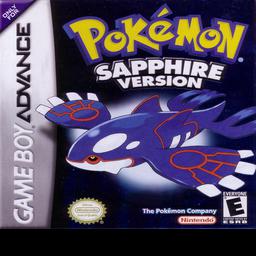
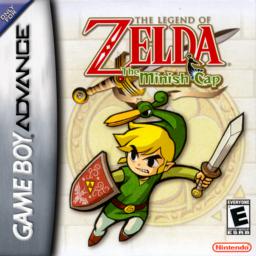
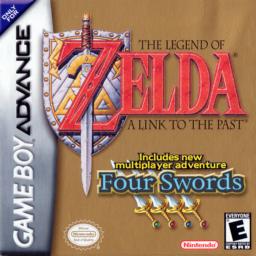
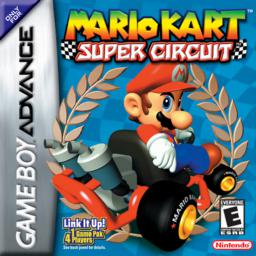

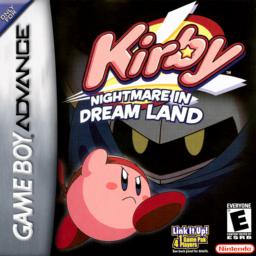
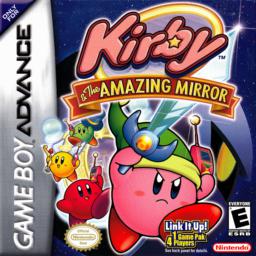
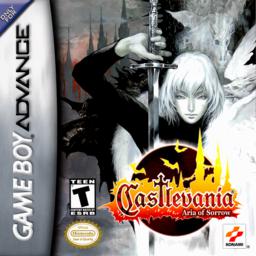
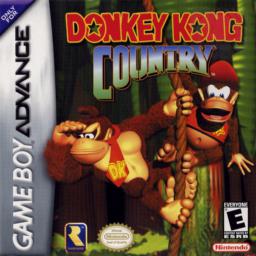
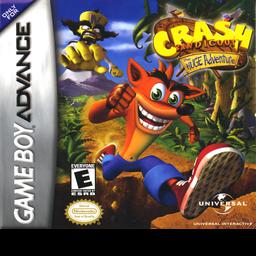

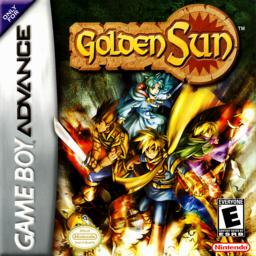

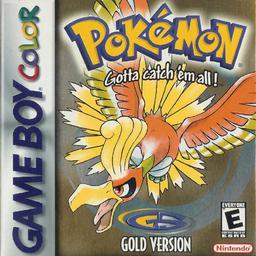

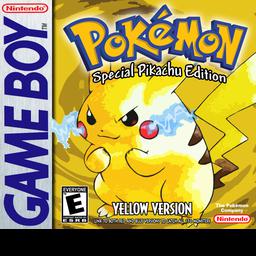
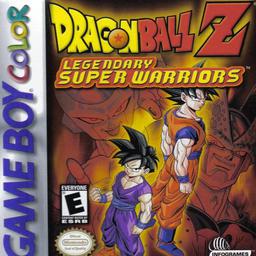

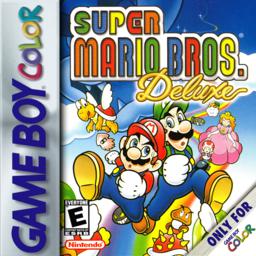
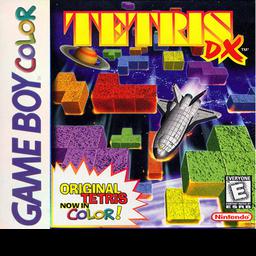
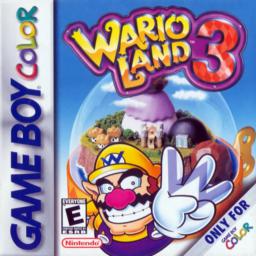
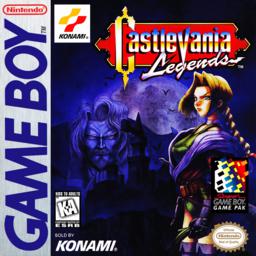
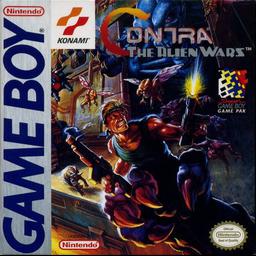
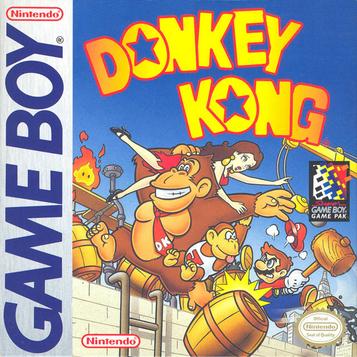
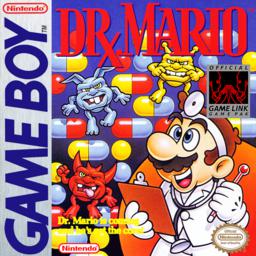
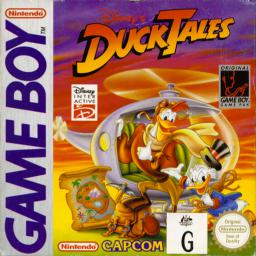
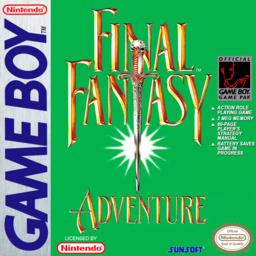
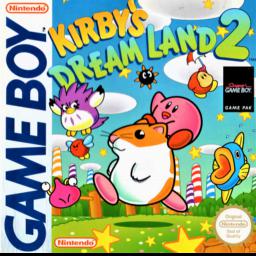

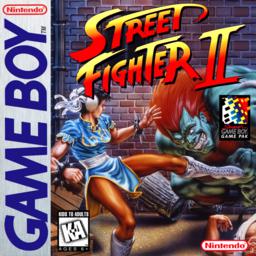
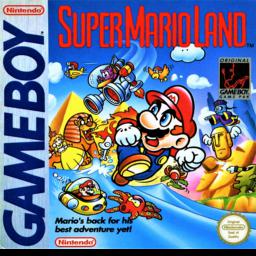
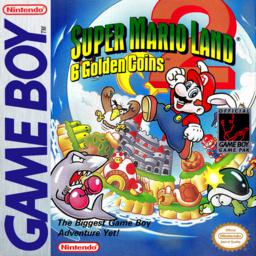
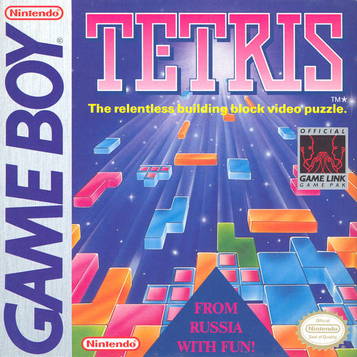
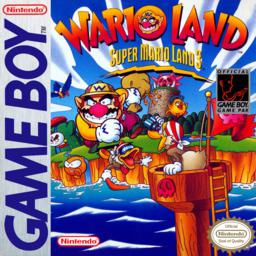

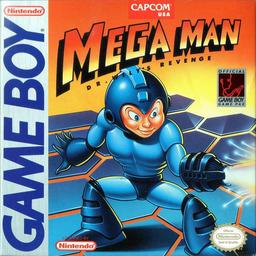
How to Play
Get your favorite GBA games running in 3 easy steps
What is a GBA Emulator?
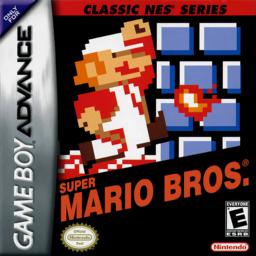
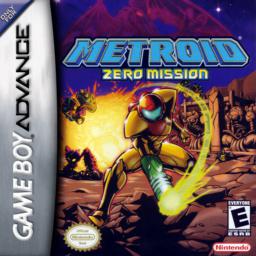
A GBA emulator lets you play Game Boy Advance games directly in your web browser without downloading any software. Our emulator uses mGBA WebAssembly, the same engine used by professional emulation projects. It supports GBA, GBC, and GB games with save states, fast forward, and keyboard/touch controls. You can play Pokemon, Zelda, Mario, Metroid, and 48 more classic titles instantly.
How to Play GBA Games Online
- Click any game from the library above, or drag-and-drop your own .gba ROM file
- The game loads instantly in your browser — no installation required
- Use keyboard controls: Arrow keys = D-Pad, K = A button, J = B button, Enter = Start
- Save your progress anytime with F5, load with F9, switch slots with F7
Why EggerMath?
- 52 built-in games — Pokemon, Zelda, Mario, Metroid, and more
- No download required — play directly in your browser
- Save states — save and load your progress anytime
- Fast forward — speed up boring parts
- Mobile support — touch controls on phones and tablets
- Works everywhere — Chrome, Safari, Firefox, Edge
Supported Games
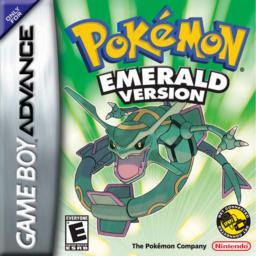
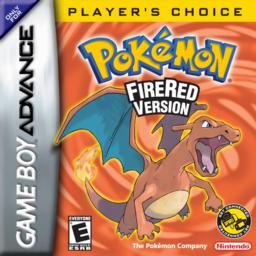
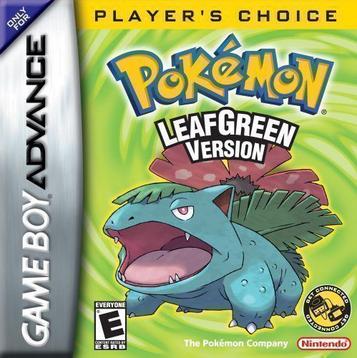
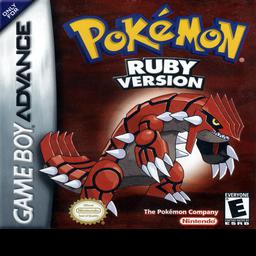
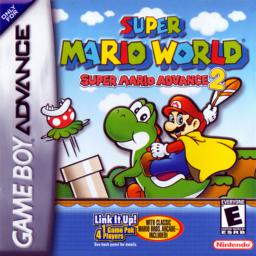
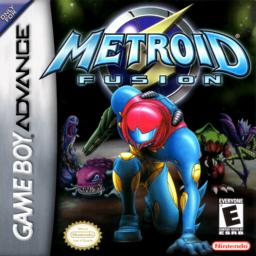
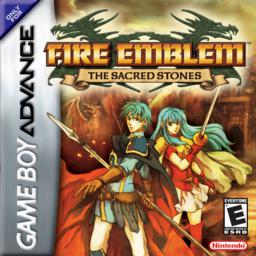
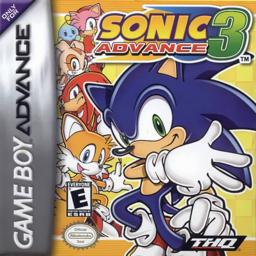
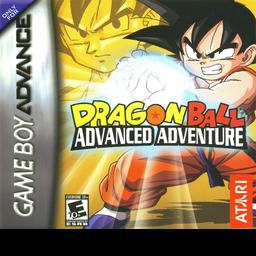
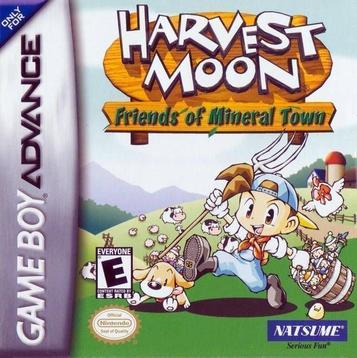
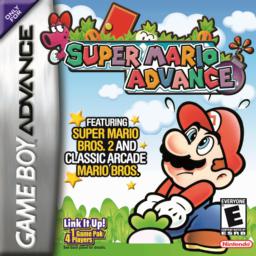
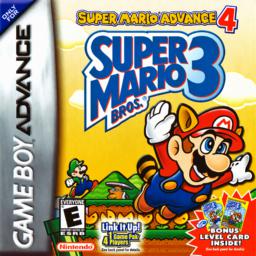
We support over 52 classic GBA, GBC, and GB games including Pokemon Emerald, FireRed, LeafGreen, Ruby, Sapphire, The Legend of Zelda: A Link to the Past, Super Mario Advance, Metroid Fusion, and many more. All games run directly in your browser with no downloads required.
Keyboard Controls
Use your keyboard to play: Arrow keys for D-Pad movement, K for A button, J for B button, Q for L button, E for R button, Enter for Start, Right Shift for Select. Save state with F5, load state with F9, and switch between 10 save slots with F7.
Mobile Gaming
Play GBA games on your phone or tablet with touch controls. The emulator automatically detects mobile devices and shows on-screen controls. Works on iOS Safari, Chrome for Android, and Firefox mobile.
Frequently Asked Questions
Is it legal to play GBA games online?
Playing your own legally obtained ROM files is legal in most countries. EggerMath provides the emulator software only — you supply the ROM files.
Does it work on iPhone?
Yes. Our emulator works on iOS Safari with touch controls. No App Store download needed.
Can I play Pokemon GBA games?
Yes. We have Pokemon Emerald, FireRed, LeafGreen, Ruby, Sapphire, and more built-in. Just click to play.
How do I save my game?
Press F5 to save, F9 to load. You have 10 save slots — press F7 to switch between them. Your saves are stored in your browser.
What ROM formats are supported?
We support .gba, .zip, .gb, and .gbc files. You can drag and drop ROMs or use the file picker.